Agencies and IT service providers
You keep one Jira project per client, and requests arrive by email. Antoti recognises which client is writing and creates the ticket in their project. Nobody copies emails into Jira anymore.
Business software · Anything to Ticket
Antoti turns customer emails and Slack messages directly into Jira tickets. Stop copying requests by hand. Every request becomes a ticket or waits in your console. Both Antoti and its AI run on a computer in your company, so no message text ever goes to an external AI service.
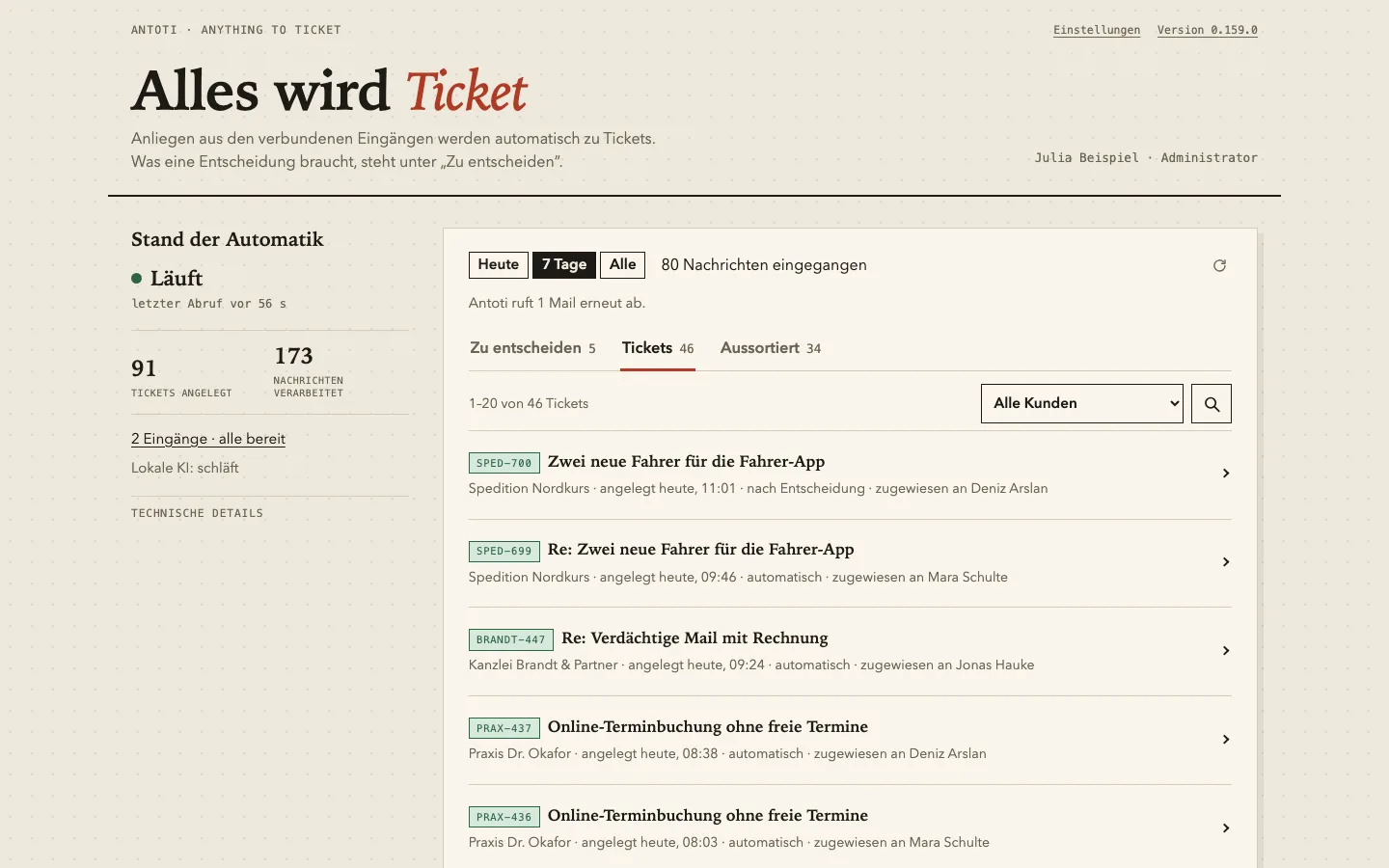
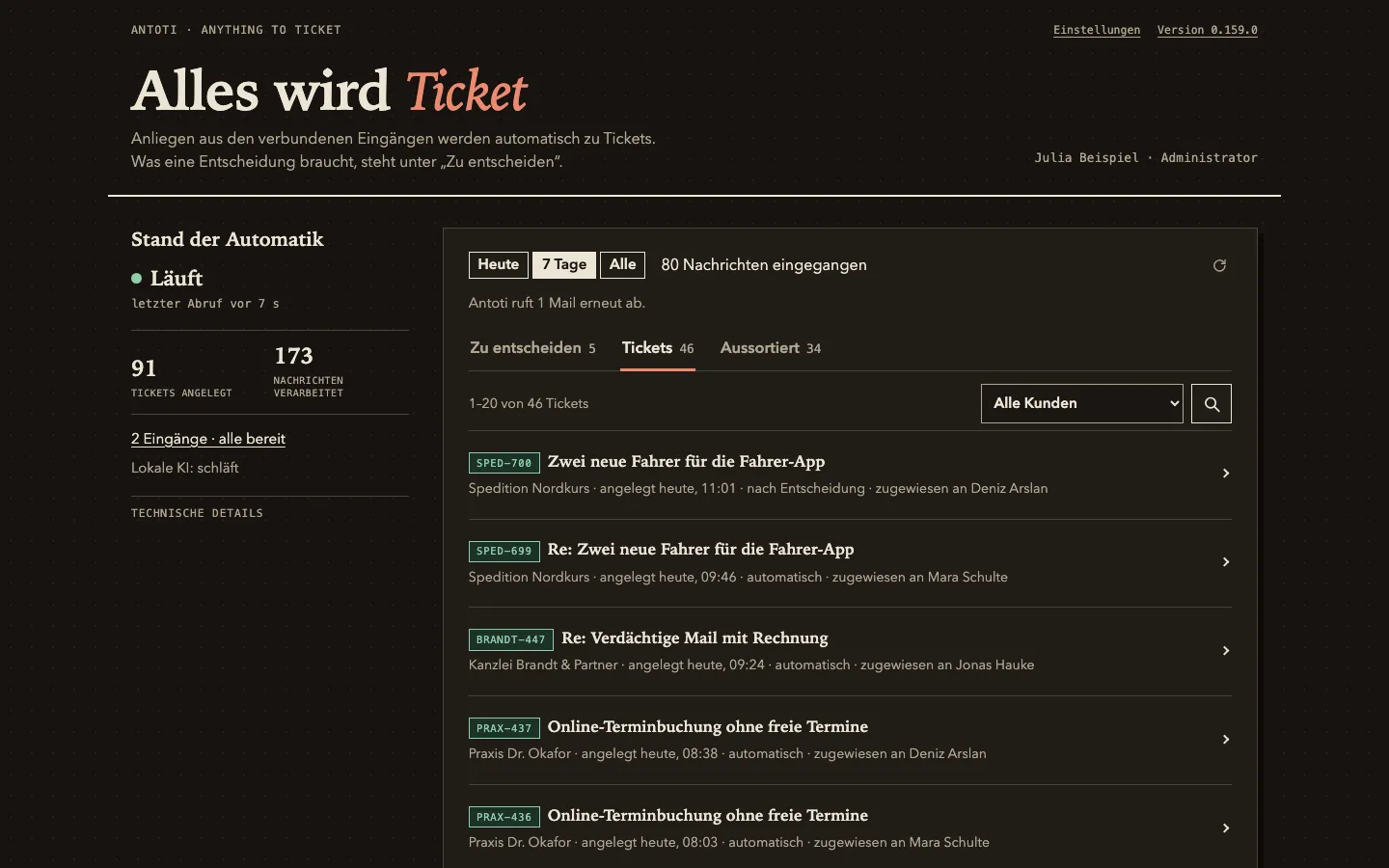
For teams that receive customer requests by email and work through them in Jira.
You keep one Jira project per client, and requests arrive by email. Antoti recognises which client is writing and creates the ticket in their project. Nobody copies emails into Jira anymore.
Your data protection rules forbid sending customer emails to ChatGPT and other AI services? Antoti needs none. The AI runs on your computer, and your data protection officer gets an overview of every connection.
Jira Cloud only turns emails into tickets when the sender has a Jira licence. For customers without one, Atlassian points to Jira Service Management, a separate product. Antoti accepts email from any customer and costs €49 per month for the whole company.
Antoti pulls from the mailboxes you connect: Gmail, Microsoft 365 or any IMAP provider, including multiple accounts. With Microsoft 365, shared mailboxes such as support@ work too. It reads Slack channels the same way. If the same signed email arrives in two mailboxes, it counts once.
Antoti sets aside newsletters, mailing lists and automated emails from senders not linked to a customer, along with any senders you exclude. For everything else, the local AI checks whether the message is a request.
Each request becomes a ticket in the customer’s Jira project, complete with subject, message body and confirmed sender. Anything unclear waits for your decision.
Every message appears in one of three console lists: “Zu entscheiden” (to decide), “Tickets” or “Aussortiert” (set aside), each with the reason.
If Antoti cannot match a customer, it holds off on creating a ticket. The message waits until someone decides.
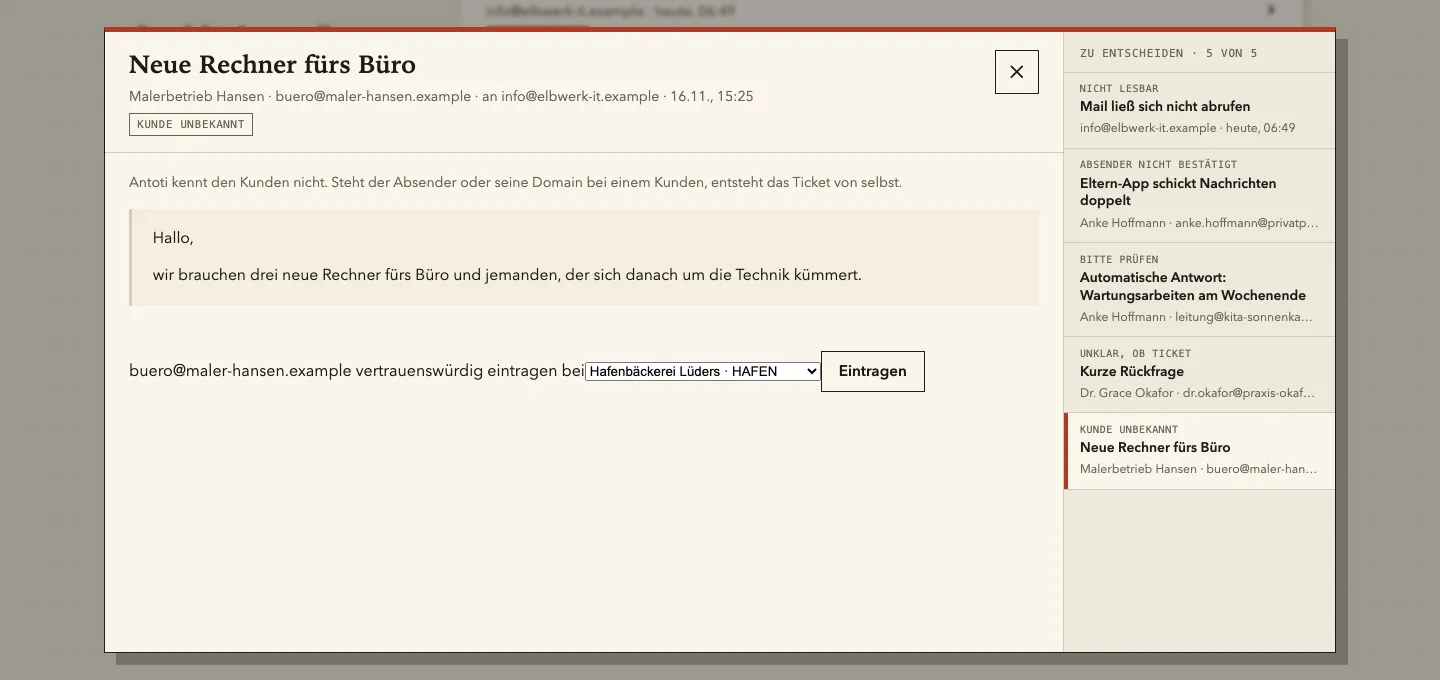
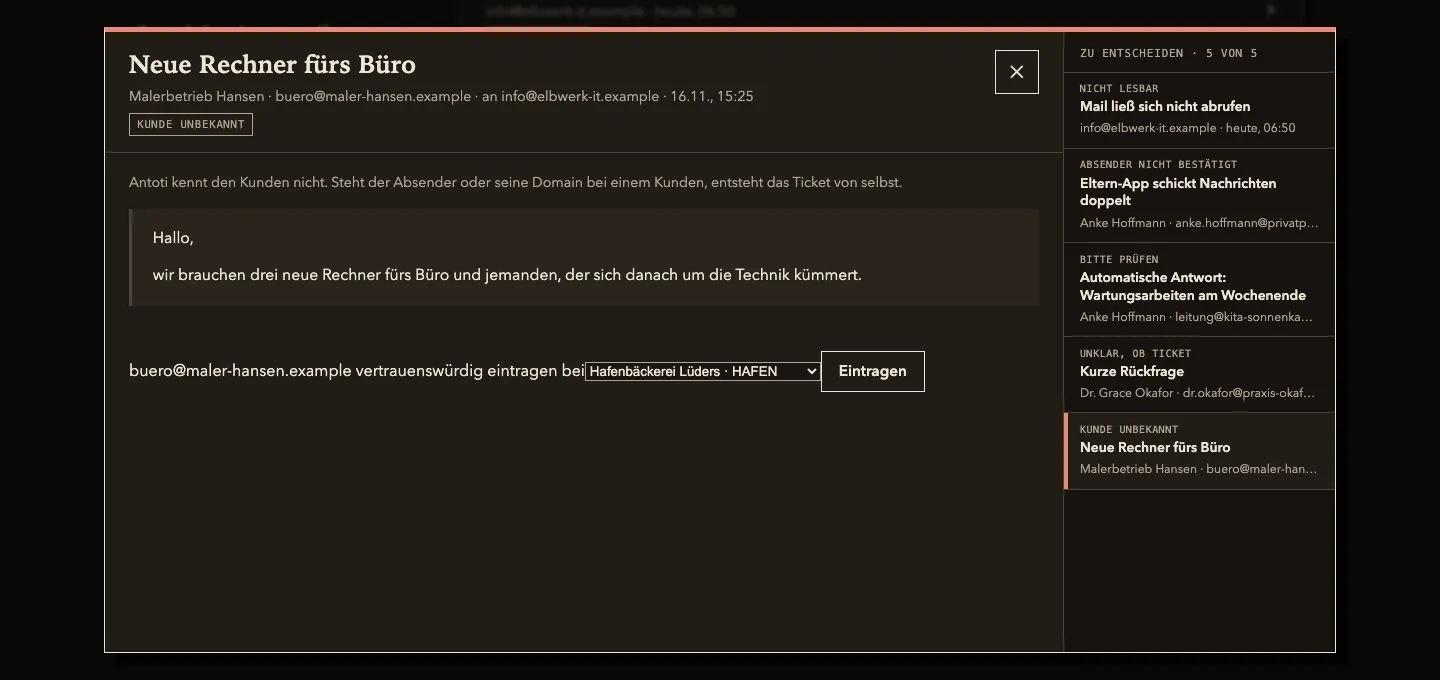
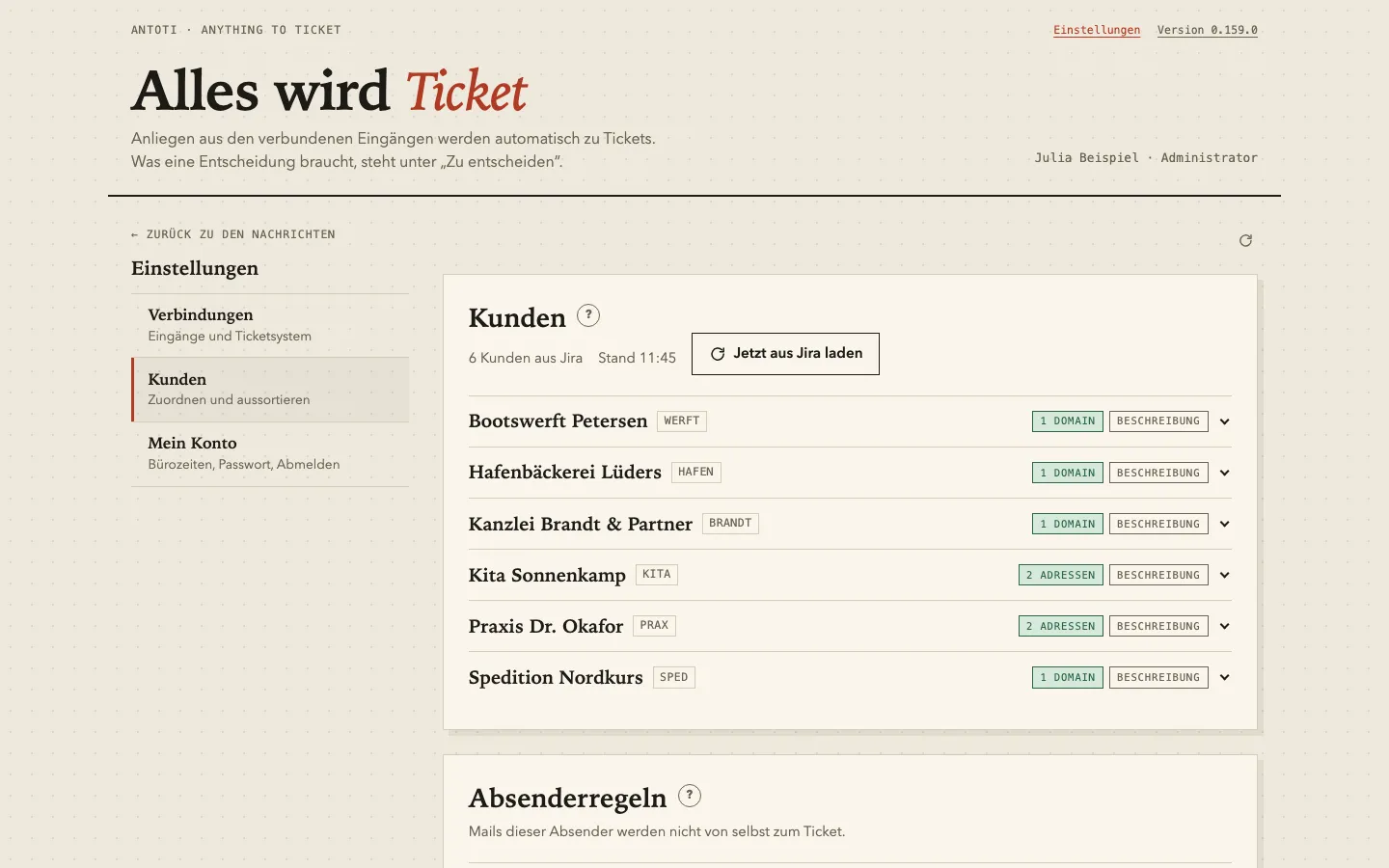
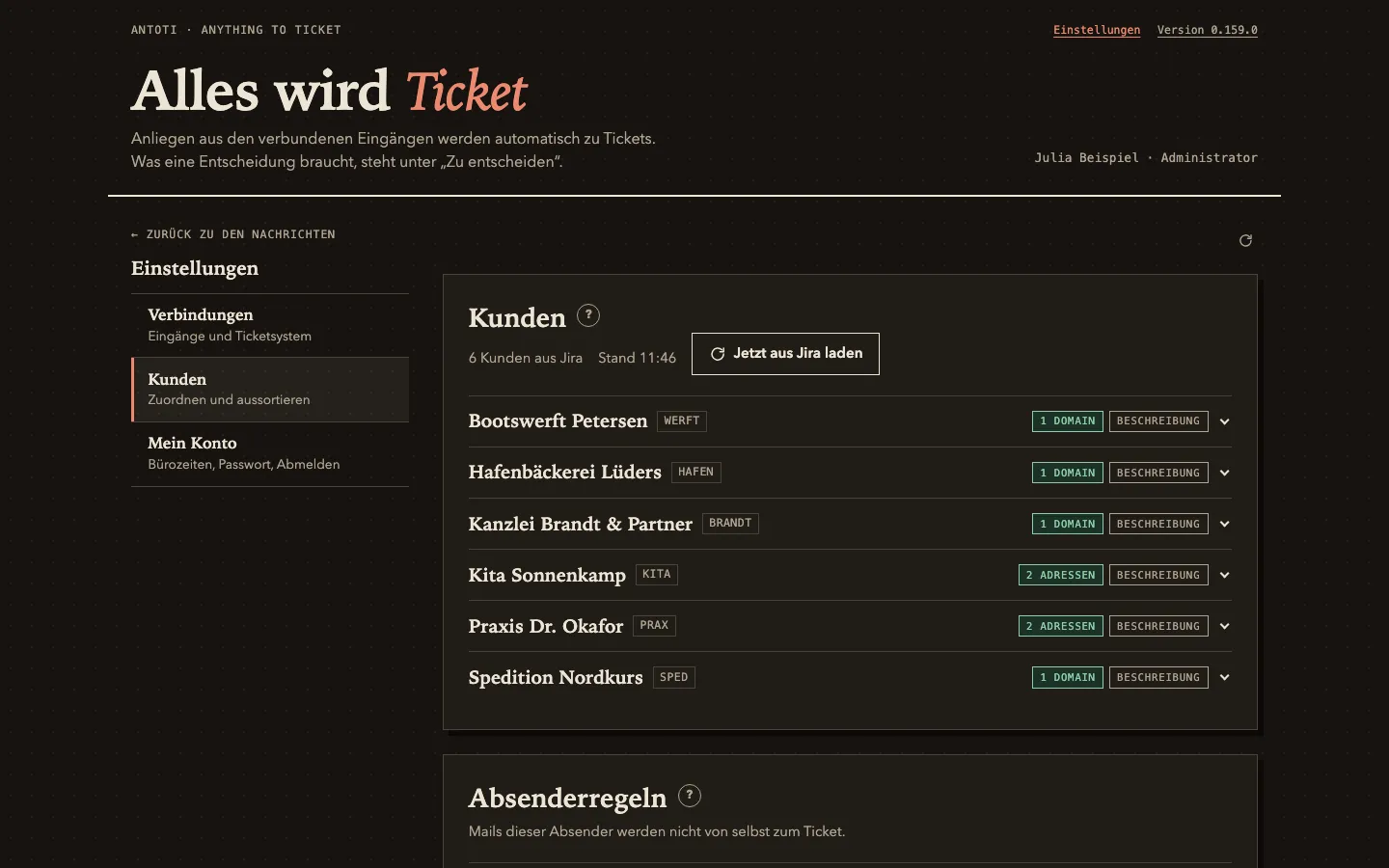
Antoti checks saved email addresses first, then the customer’s domain. If neither matches, the AI selects a customer from your Jira projects and adds a note to the ticket.
A DKIM signature lets the sender’s domain confirm that an email is genuine, and Antoti checks it on every message. Emails without a valid signature never become tickets automatically; the AI only notes whether they might be one. Slack messages only become tickets automatically in channels linked to a customer, and in shared channels only customer messages count, not your own.
If a message contains instructions aimed at an AI, Antoti holds it before the model ever reads it. The model cannot trigger actions anyway.
If the connection to Jira drops mid-creation, Antoti checks for the ticket instead of creating a second one.
Antoti pulls comments on its tickets from Jira and shows them beside the message. On request, the AI drafts a comment, which is only sent to Jira when you click.
Antoti deletes the body of decided messages 90 days after their last activity. Subject, ticket and customer stay stored so nothing is created twice.
Day to day
Antoti runs on one computer in your company. Your team uses the desktop app for Windows, macOS and Linux or a browser, including on a phone, on the office network or over Tailscale. The administrator invites new staff with a link, and everyone signs in with their own password or a passkey.
Each person enters their office hours or checks in. Optionally, Antoti rotates new tickets among present staff who have a Jira account. If nobody is in, the ticket waits.
Antoti installs updates automatically, and only when they carry my signature. By default, it updates at startup, between 9 am and 12 noon, or between 2 am and 5 am. You can restrict this to one window or update manually with a click. If something goes wrong, a built-in self-test checks each component and explains how to fix it.
Privacy from Germany
A cloud helpdesk processes every email on its own servers. If its AI runs at a third-party provider, for instance in the USA, that provider reads your customer requests too, and each service requires a data processing agreement. Antoti reads your messages on your own computer. Your emails already sit with your email provider and your tickets in your Jira. Antoti adds no extra service that sees them in plain text.
You install Antoti on a computer in your company. Messages, accounts and credentials stay on that machine, while tickets live in your Jira. You remain responsible for your messages. I do not read them.
Antoti uses Ministral 3 8B by Mistral AI of Paris, an openly licensed model (Apache-2.0). It runs directly on your computer, and Antoti sends no message text to any AI service.
Once an hour, Antoti sends me basic operating numbers: version, errors, and counts of messages and tickets. Contents, addresses and names are never included. The licence number shows which company a report belongs to. An administrator can turn off the detailed numbers under “Einstellungen › Support” (Settings › Support). A minimal report with version, licence and update state is always sent.
So you can carry on from a new computer, Antoti stores a backup on my server in Helsinki by default. It contains team accounts, settings, messages, customers, rules, and credentials for Jira, Microsoft, IMAP and Slack, all encrypted on your computer. If a Gmail mailbox is or was connected, messages, customer addresses, domains, descriptions and sender rules stay solely on the device. Antoti never backs up the Google login, so on a new computer you sign in to Google again and re-enter customers and rules.
So that “forgot password” also works on a new computer, a copy of the key is stored on my server. It sends a code to an administrator’s address and releases the key only after the right code is entered. Technically, I could unlock the backup with it, though I only ever do so on your instruction. If you do not want that, switch the backup off under “Einstellungen › Sicherung” (Settings › Backup), and my server deletes it. A data processing agreement under Art. 28 GDPR covers the backup and is built into the terms, so nothing extra needs signing.
I build Antoti in Germany. The AI comes from Mistral AI in Paris, and the backup sits on my server at Hetzner in Helsinki. Brevo in Paris sends “forgot password” emails, and Stripe in Dublin handles billing. Antoti deletes the content of decided messages 90 days after their last activity. Any service outside the EU, such as GitHub for updates, is listed in the table below.
Every outbound connection Antoti makes on its own. Full details are in the privacy policy.
| Recipient | Location | What | When |
|---|---|---|---|
| Your email provider (Google, Microsoft or IMAP) | your contract | Fetching emails | continuously |
| Slack | USA, your contract | Fetching messages from channels you invite Antoti into | continuously, only if Slack is connected |
| Atlassian (Jira Cloud) | Australia, EU data residency available on paid plans | Tickets with subject, body and confirmed sender, assignments, comments | per ticket |
| My server at Hetzner | Helsinki, EU | Encrypted backup | after changes, can be switched off, deleted 12 months after use ends |
| My server at Hetzner | Helsinki, EU | Usage statistics: operating numbers with licence number, no contents, addresses or names | hourly; minimal report always, detailed numbers can be switched off |
| My server at Hetzner | Helsinki, EU | Private address of the device on the office network, for its fixed name | daily, only when office network and backup are on |
| Let’s Encrypt | USA | Certificate for that name (sees the office’s public IP address) | only with the fixed name, on activation and renewal |
| Me (remote support) | Teltow, EU | Antoti’s status, no messages, addresses or credentials | only when you switch it on |
| Brevo | Paris, EU | Email address with confirmation link or “forgot password” code | on request |
| Stripe | Dublin, EU | Subscription payment | when subscribing |
| My subscription service at Cloudflare | USA | Activation code with company name, no messages | when subscribing and renewing |
| GitHub | USA | Update check (IP address, version) | regularly |
| Hugging Face | USA | Downloading the AI model (IP address) | once on first start |
| Tailscale | Canada | Remote connections to the console | only when you enable remote access |
Per company, not per user. The trial begins when you first start Antoti and requires no payment details. Afterwards, you subscribe inside Antoti via Stripe. Without a subscription, Antoti pauses after the trial: it stops fetching messages and creating tickets, while everything already there stays readable.
No VAT is charged under section 19 of the German VAT Act (small business rule).
Read the termsDownload the installer and set Antoti up. Your 30-day trial starts on first launch. Need help with setup or have questions? Email me what you use (email provider, Slack, Jira, computer).
Looking for pilot companies: for three companies, I set Antoti up together with you over remote support and extend the trial to three months. In return, I would like to hear after four weeks what is missing.
Click to download the latest installer: Windows 10 and 11 (64-bit), Apple silicon Macs (DMG) or Linux (x86_64, tar.gz). The Windows installer is not signed yet. If Windows shows a warning on launch, choose “More info” and then “Run anyway”.
On a Mac, open Terminal, paste this line and press Enter. It downloads the latest release from GitHub, verifies that the file is complete, installs it and launches Antoti without a macOS prompt.
curl -fsSL https://altmann-digital-studio.de/antoti/install-mac.sh | shThis command does not verify a code signature; it relies only on the HTTPS connections to this website and GitHub. Alternatively, download the DMG via “Download for Mac”. Because Antoti is not yet notarised by Apple, choose “Open Anyway” under System Settings › Privacy & Security on first launch.